Fix Apple Watch Calendar not synching
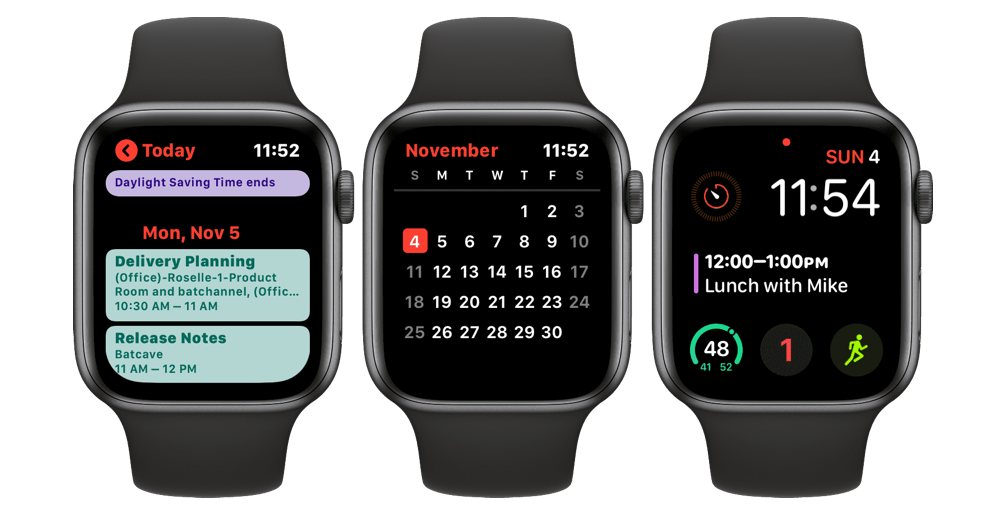
How to fix an Apple Watch Calendar not synching correctly with your other iCloud devices.
Reset Sync Data on Apple Watch
If you’re having problems with the calendar not syncing, you can use a setting inside the Watch app to reboot that connection. After enabling this feature, your Apple Watch’s contacts and calendars will be erased and replaced with the most recent iCloud sync from your iPhone.
- Open the Watch app.
- Tap the My Watch tab.
- Tap General.
- Select Reset.
- Tap Reset Sync Data.
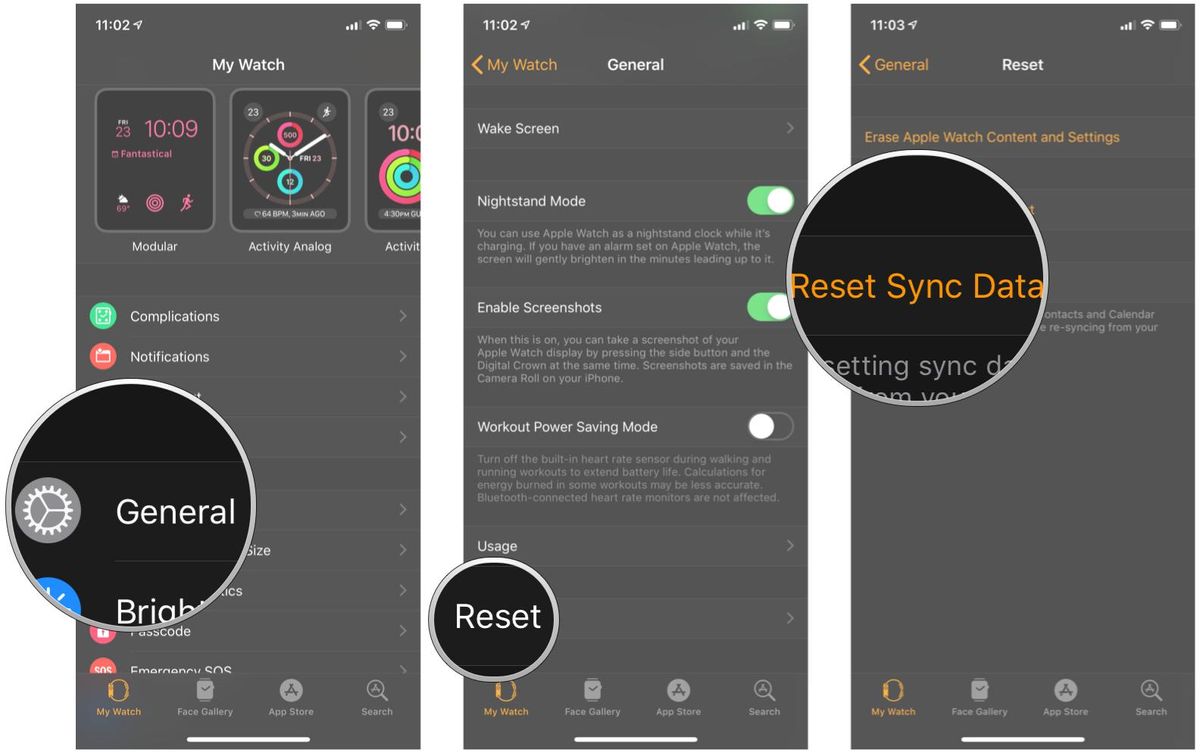
It may take a few minutes for all the data to re-sync to your Apple Watch, so be patient. If, after several minutes of your Apple Watch Calendar not syncing, try moving on to the next steps to resolve the issue.
Source: iMore (Image credit: Source: iMore)
This post is licensed under CC BY 4.0 by the author.